


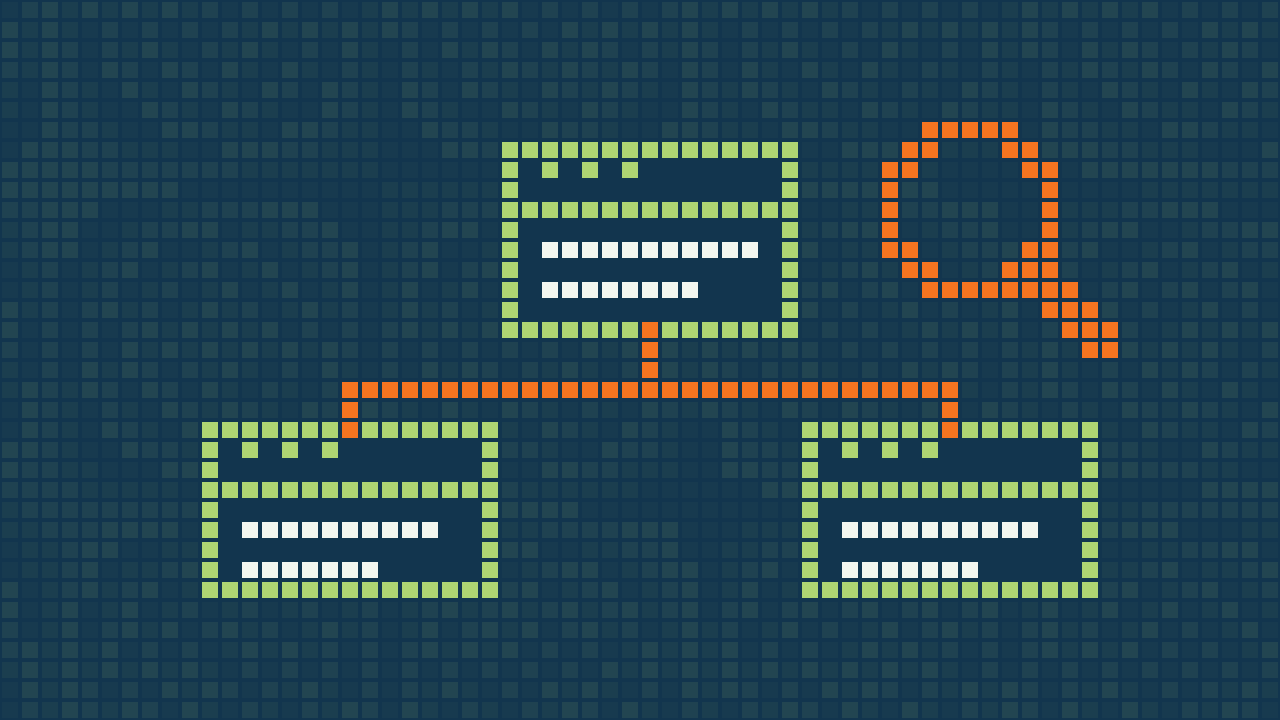
Web design and SEO are often treated as separate projects: first make the site look good, then investigate why the pages are hard to find. By that stage, fixing structural problems can require rebuilding navigation, rewriting service pages and reworking templates.
SEO-friendly website design starts during page planning, wireframing and WordPress development. This checklist walks through the structural, editorial and technical decisions to build into your website before launch day.
1. Map one clear buyer and search intent to each page
Before designing layouts, list the questions and commercial terms your customers search before they enquire or buy. A homepage should establish your brand positioning and route visitors to your core services. Each distinct core service can have a dedicated page explaining scope, deliverables and FAQs, while educational guides answer early-stage research questions.
Avoid creating several near-identical pages for minor wording changes. If website design pricing, website development price and website cost describe the same buying question, a well-organised cost guide may serve the reader better than three repetitive articles. Distinct needs can justify separate pages, but the content should make that difference clear.
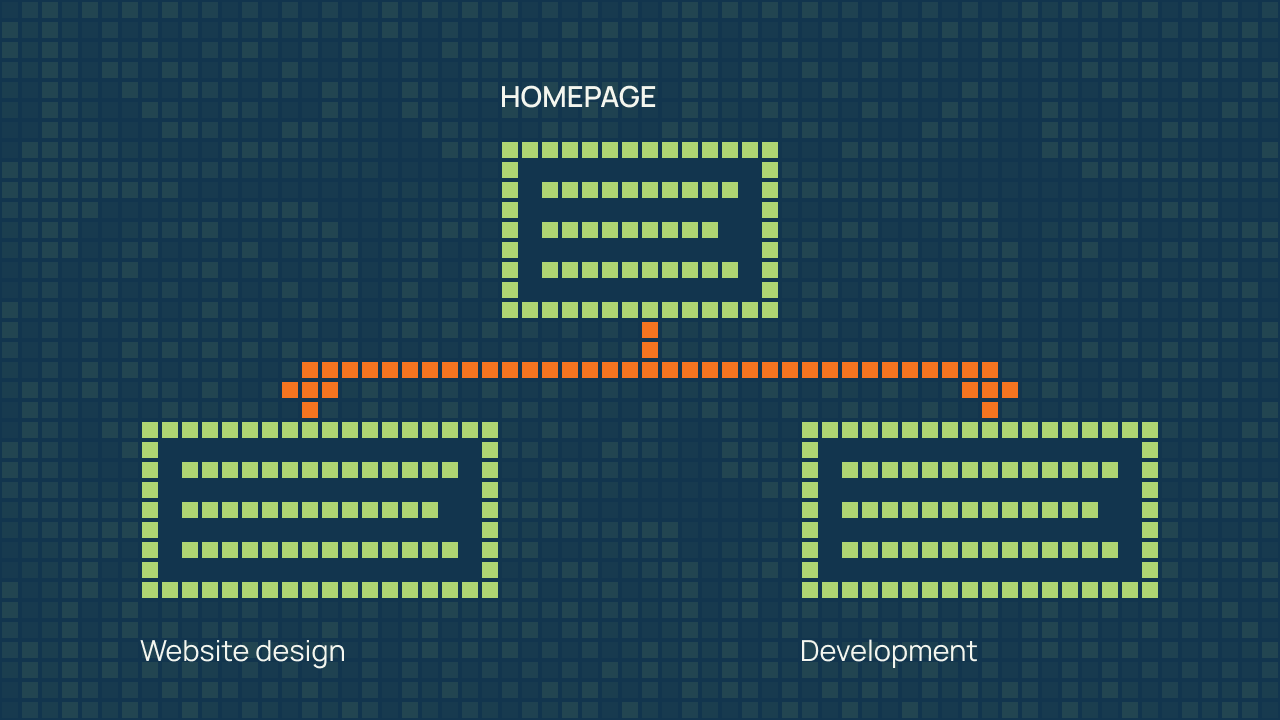
For a worked example, ClimbSignal separates WordPress website design, which explains page planning and visual direction, from WordPress development, which covers implementation and functionality. The aim is to give visitors a clear route to the work they need, not to manufacture extra pages.
2. Design a shallow, crawlable internal link architecture
Arrange important pages into a small number of understandable groups. Decide how someone will reach each service from the homepage, then add relevant links between related services and guides. A page that is technically published but has no useful internal route is difficult for visitors to discover.
- Use navigation labels that describe destinations.
- Link from a broad overview to the detailed pages it introduces.
- Connect a guide to a relevant service only where that service helps with the next step.
- Avoid relying on a search box or a visual animation as the only route to important content.
Google’s link guidance recommends crawlable links using an anchor element with an href. A control that looks like a link but only runs a script can be harder to interpret. Ask the developer to check the rendered markup, not just the appearance of the menu.
3. Use semantic H1–H3 headings to outline the topic, not just to style font sizes
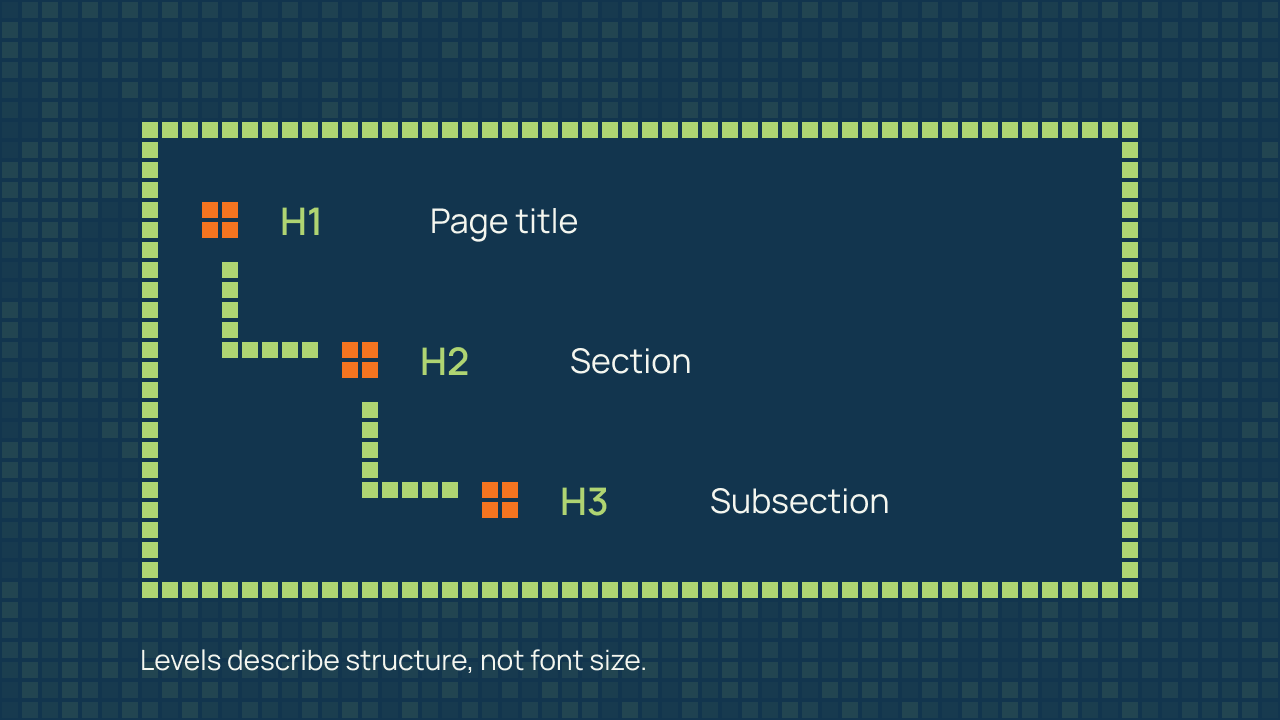
Give the page a clear main heading, then use section headings for the major questions and lower-level headings for their subsections. Keep the wording descriptive. A visitor scanning the outline should be able to predict what each section explains.
Heading tags are not a way to choose a font size. On ClimbSignal’s site, the service menu labels were changed from heading elements to paragraph labels while retaining their appearance. The page headings remain available to describe the main content. This is a document-structure decision, not a claim that removing a menu heading improves rankings.
The W3C heading tutorial explains how levels represent sections and subsections. Review the heading outline as part of accessibility and content checks. Other parts of accessibility, including labels, focus, contrast and keyboard operation, still need their own review.
4. Keep core service explanations in crawlable HTML text
A visual can support a page, but it should not carry the only version of an essential explanation. Keep service descriptions, product details and important instructions available as text. Use image alternatives to convey the meaning of informative images; decorative graphics do not need a keyword-filled description.
Write for the reader’s decision. Explain what is included, what information you need and what happens next. Replace vague promises with specifics that the business can support. If a result depends on scope or a third-party system, describe that dependency rather than implying a guarantee.
5. Write distinct title tags and meta descriptions by page role
Write a title that accurately names the page’s topic and a description that helps someone understand why it may be useful. A service title and a tutorial title should reflect their different purposes. Keep both readable rather than listing every variation of a keyword.
| Page | Useful title direction | Information the description should convey |
|---|---|---|
| Service | WordPress Migration Services | What is moved and how the migration is planned. |
| Guide | How to Prepare for a WordPress Migration | What the reader can check and prepare before a move. |
| Cost article | Website Design Cost in India | How scope, inclusions and recurring costs affect a quote. |
Treat the preview in your SEO plugin as a useful editing aid. It does not guarantee the exact title or snippet that a search engine will display. Check the final HTML to confirm that the intended metadata is present and that multiple tools are not outputting conflicting versions.
6. Configure crawling, indexing, canonicals and 301 redirects cleanly
Crawling is access to a page; indexing is inclusion in a search engine’s index. A website may need private staging pages or selected utility pages kept out of search, while its public service pages should be available for discovery. Do not apply a site-wide rule simply because one page needs a restriction.
Google must be able to access a page to read its noindex instruction. Blocking a URL in robots.txt does not reliably remove it from search. Review Google’s noindex guidance before combining these controls.
A canonical URL identifies the preferred version of duplicate or very similar content. Keep internal links, canonical signals and sitemap entries consistent. Canonical annotations are signals, not a substitute for redirects when a page has permanently moved. See Google’s canonical URL documentation for the distinction.
During a redesign, record existing URLs before changing them. Map important removed or moved pages to genuinely relevant replacements, and test the redirects. A new visual design does not require changing every page address.
7. Engineer mobile layouts and Core Web Vitals together
Test the important page types on a narrow screen: homepage, service, article, product and contact or checkout, as applicable. Look for clipped headings, horizontal scrolling, controls that overlap text and content that only becomes available after an animation.
Performance testing should distinguish a controlled lab test from real-user experience. Google’s Core Web Vitals guidance covers loading, responsiveness and visual stability. Good thresholds are LCP at or below 2.5 seconds, INP at or below 200 milliseconds and CLS at or below 0.1. These are experience measures, not promises of a ranking outcome.
Record the tested URL, device or test profile, date and method when comparing results. If real-user data is unavailable, say so. Preserve important functions while improving images, fonts, scripts and templates. For help diagnosing a slow site, review the scope of WordPress speed optimization.
8. Output clean structured data (JSON-LD) that matches visible page content
Structured data should describe what the page actually contains. Let the relevant plugin or implementation generate an appropriate, consistent output, then validate it. Do not add invented reviews, credentials or business locations to make a page look more authoritative.
A guide is still useful when its questions and answers are plain visible content. Adding more schema types is not a replacement for an accurate explanation. Confirm that the chosen markup is applicable and supported before promising a special search appearance.
9. Structure factual passages for AI Overviews and LLM search
The foundation remains the same: useful, accurate content on accessible pages with clear context and sources. Google’s AI features documentation says that AI Overviews and AI Mode do not require additional technical rules or special optimisation beyond the existing requirements. Inclusion is not guaranteed.
Rather than stuffing pages with robotic prompt blocks, write clear, self-contained explanations, comparison tables and specific FAQs that human buyers and retrieval systems can interpret accurately. For businesses wanting to audit how they are cited across ChatGPT, Perplexity and Google AI Overviews, explore our dedicated AI search visibility service. Clear structure supports understanding; it does not guarantee a citation.
A practical SEO-friendly website design launch checklist
- Confirm each important page has a clear purpose, useful content and an accurate main heading.
- Check that navigation and contextual links reach the intended pages.
- Verify public pages return the expected status and do not carry unintended indexing restrictions.
- Check title, description and canonical output in the final HTML.
- Review sitemap URLs and remove staging or duplicate addresses.
- Test mobile reading order, keyboard access and important forms or transactions.
- Verify any redirects from the old site and check for broken internal links.
- Validate relevant structured data against the visible content.
- Record initial search and user-experience measurements so later comparisons have context.
Frequently asked questions
Can a “fast, SEO-friendly” WordPress theme make my website rank by itself?
No. A well-built lightweight WordPress theme or native Gutenberg setup can support clean templates and good performance, but results depend on the finished implementation. A theme cannot plan your sitemap, separate services into intent-matched pages, build relevant internal link pathways or write persuasive, authoritative copy for you.
Does a 100/100 or green score in Yoast or Rank Math guarantee Google rankings?
No. Content-analysis scores check selected signals such as keyphrase use, headings and metadata. SEO plugins may also manage sitemaps, indexing controls and structured data, but their scores cannot prove that your page answers the buyer’s question better than competing websites or guarantee how Google will rank it. Review the real content, architecture and crawlability as well as plugin settings.
When should SEO be brought into a website design or redesign project?
At the beginning—before wireframes and visual layouts are locked in. Planning URL structure, service-page hierarchy, heading outlines and a redirect map for changed URLs during the design brief helps avoid expensive template rewrites after launch.
Bring these checks into the build
Agree the checks before design approval and revisit them before launch. ClimbSignal’s WordPress technical and on-page SEO service covers a defined review and implementation scope. If you are planning a new site, discuss the page structure and technical requirements alongside the design rather than leaving them until the end.