A promise of a “modern, mobile-friendly, SEO-ready website” tells you little about how it will be built. Businesses can still end up with slow templates, confusing navigation, broken mobile forms and websites they cannot edit without paying a developer for every text change.
The difference between a successful build and a costly rebuild comes down to the questions you ask before signing a proposal. This guide gives you a practical framework, a quote-comparison table and a shortlist scorecard to evaluate any WordPress agency or studio with confidence.
Start with the commercial job your website needs to do
Before asking agencies for prices, define what a successful visit looks like for your business. A B2B service website, a local clinic and a WooCommerce store require different page structures, trust signals and technical setups.
- Commercial goal: Should the site generate qualified quote enquiries, book appointments, capture paid-ad leads or process direct online orders?
- Buyer questions: Who is evaluating your offer, and what objections or comparisons do they need answered before they contact you?
- Content readiness: Which service descriptions, product specs, case proof and images already exist, and what needs to be structured from scratch?
- Technical workflows: Do you need custom calculators, multi-step forms, CRM integrations, variable product filters or payment gateways?
- Internal management: Who on your team will publish updates, swap images or add new landing pages after launch?
When you send agencies a vague request for a “5-page business website,” you can get very different quotes that hide what is missing. Sharing a clear problem statement asks providers to show how they actually think about your business.
Look past static screenshots—test live build quality
Attractive mockups or theme demos do not show who did the work. When reviewing an agency’s portfolio, ask what they specifically engineered: did they plan the information architecture, design the interface from scratch and write custom WordPress code—or adapt an existing theme? Ask them to explain how that approach fits your project.
Open their live reference sites on your mobile phone over a normal cellular connection. Tap through the main navigation, read a service page and test the enquiry route without submitting a false enquiry. Look for five-second clarity, fast page transitions, stable layouts and thumb-friendly forms.
Many experienced studios also build under white-label or client NDAs and cannot share client logos publicly. In those cases, a live architectural teardown, a clearly labelled interactive before-and-after demonstration or a backend editing walkthrough can show how they approach engineering. A demonstration explains capability; it does not by itself prove client results.
Ask for a live demonstration of how your team will edit the site
One expensive hidden trap in WordPress projects is an editing setup that depends on the original developer. Poorly configured builders or hardcoded shortcodes can make changing a headline or adding a FAQ item risky. Test the actual editing experience rather than judging it by the tool’s name alone.
Before committing, ask the provider to show you how the backend editor works. A well-structured native Gutenberg build uses blocks and reusable patterns—allowing your team to update text, swap media and duplicate landing pages safely while core template styling stays protected. Ask which edits need development help.
Separate visual design from technical engineering in your evaluation. WordPress website design defines your messaging hierarchy, buyer journey and visual system, while WordPress development determines how fast, stable and editable that design is in production.
Compare agency proposals side-by-side using the same scope
| Proposal area | What to require in writing before signing |
|---|---|
| Page architecture & templates | Exact list of unique page templates, sitemap hierarchy and how many pages of content entry are included. |
| Copy & visual assets | Whether conversion copy structuring is included or if you must supply finished text and imagery upfront. |
| Build method & plugins | Whether the site uses native WordPress Gutenberg blocks or a third-party page builder, plus any paid plugin licences required. |
| Mobile, speed & SEO checks | Specific commitments for 375px mobile layouts, Core Web Vitals optimization, heading hierarchy (H1–H3) and 301 redirects for redesigns. |
| Revisions & staging review | How many structured review rounds are included on a private staging link, and how out-of-scope additions are quoted. |
| Handover, ownership & care | Confirmation of admin access and agreed custom-code ownership, team editing training, post-launch bug-fix window and optional recurring care costs. |
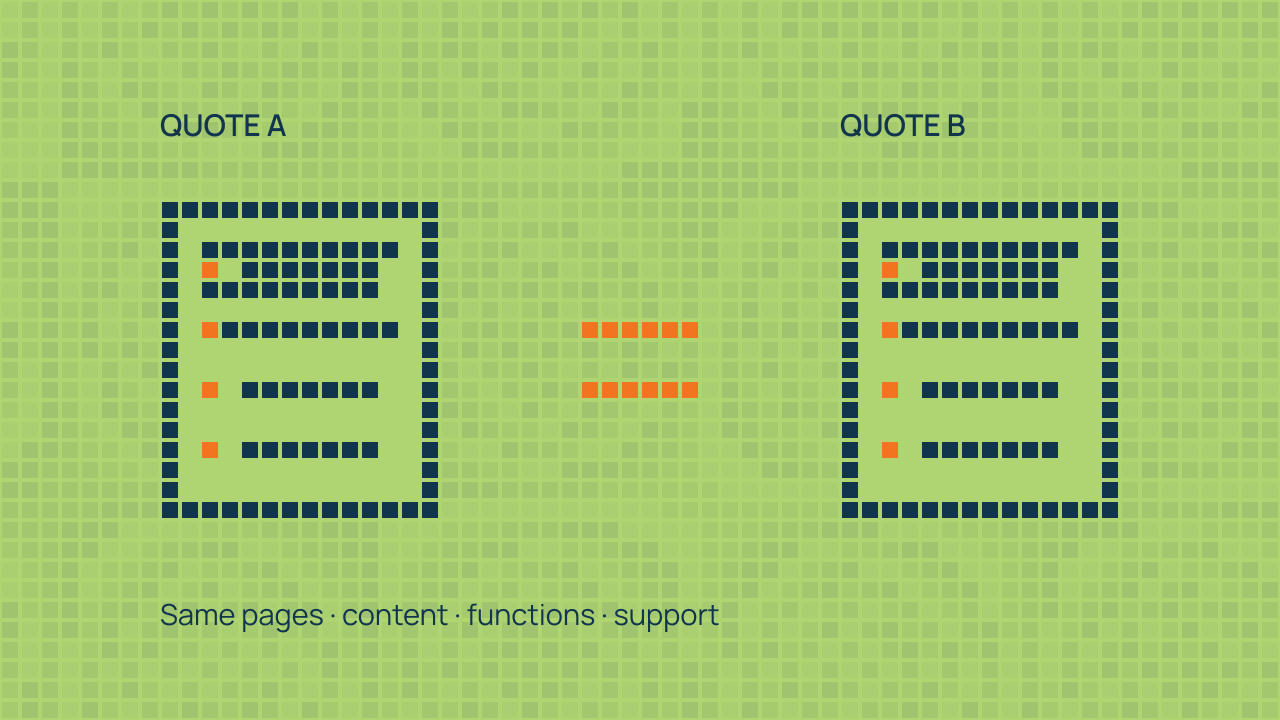
Never compare two bottom-line prices until both proposals cover the same deliverables. A ₹20,000 quote that excludes content structuring, mobile speed tuning, SEO hierarchy or clear ownership terms may require additional work later. Compare the complete scope upfront.
Verify ownership of your domain, hosting and WordPress code
Before paying a deposit, confirm in writing that your business controls the domain registration, WordPress administrator account and database, and receives the agreed rights to custom theme code upon final payment. Third-party software and assets retain their own licence terms. Register your company domain in your own account.
Understand your hosting setup clearly. If you use an agency’s managed shared server, ask how full site exports (files + database) are provided if you move to your own host later. Confirm any exit, release or migration-assistance fees in advance, and ask whether a separate hosting account in your business name is available.
Finally, verify how backups work. The official WordPress backup documentation explains that a typical full restore needs both your site files and database. Agree how restore checks fit into a clear WordPress maintenance process rather than leaving recovery to chance.
Check mobile usability and accessibility during review
Do not wait until launch to view mobile layouts. Review a key service page, the navigation and the enquiry or checkout route at a narrow screen width. Check whether headings wrap sensibly, text stays readable and a visitor can reach the main action without fighting the interface.
- Can you use the main links and form controls with a keyboard?
- Do fields have clear labels, useful error messages and a visible confirmation?
- Does important information remain available without playing an animation?
- Do controls stay usable when text is enlarged?
- Is there an agreed process for addressing issues found during testing?
A quick review is not a complete accessibility audit. It helps you see whether usability is part of the delivery process. Ask the team to explain any accessibility standard or testing commitment it offers.
Separate “SEO-friendly code” from full SEO and ongoing care
“Basic SEO” needs a defined scope; installing a plugin alone does not explain the work included. Require the provider to specify their search deliverables: clean URL slugs, semantic H1–H3 headings, crawl/index hygiene, XML sitemaps, schema markup and internal linking. Explore dedicated WordPress SEO services if your goal is competitive commercial search, or AI search visibility for discovery across AI-assisted search. No provider can guarantee a particular ranking or AI citation.
Likewise, clarify what happens the week after launch. Confirm your post-launch bug-fix window, how your team receives editing documentation, and how ongoing WordPress maintenance or speed optimization is structured so responsibilities remain clear after handover.
Use a simple shortlist scorecard
For each provider, mark the following as clear, partly clear or unanswered: business understanding, relevant evidence, editing demonstration, written scope, access arrangements, launch checks and ongoing responsibilities. Add a short note explaining each judgement. Unanswered questions are a useful reason to seek clarification before signing.
As a practical exercise, send the same short brief to every shortlisted provider and ask for a proposal walkthrough. The aim is to compare explanations and commitments, not to turn an arbitrary total into a claim that one agency is objectively the best.
Questions buyers ask when choosing a web design company in India
Should I hire a freelancer, a large agency or a specialist studio?
Any of the three can fit, depending on the project. Compare the actual people responsible for conversion design, WordPress engineering and SEO—not simply the size or price of the provider. A founder-led specialist studio can offer direct accountability from a senior specialist across design, Gutenberg development and SEO, with fewer communication layers. Ask who will do the work and how continuity is handled.
How do I make sure I am not locked in to my web design provider?
Insist on three things in your agreement: (1) your domain name is registered in your own account, (2) the website uses standard WordPress and an editing system your team can manage, such as native Gutenberg blocks and patterns, and (3) you receive WordPress Administrator access and a clean backup export upon completion. Also identify any third-party licences you would need to replace when moving.
What are the biggest red flags in a website design proposal?
Watch out for single-line quotes that only list a page count (“10-page dynamic website — ₹15,000”), promises of “guaranteed #1 Google rankings in 30 days,” hidden second-year hosting renewal fees, and providers who refuse to show how your team will edit pages in the WordPress backend.
Take a clear brief into the first conversation
You do not need a finished technical specification to start. Bring your current website, your main business goal and a list of what is difficult today. Explore ClimbSignal’s WordPress services to see whether the available design, development and care options match what you need.